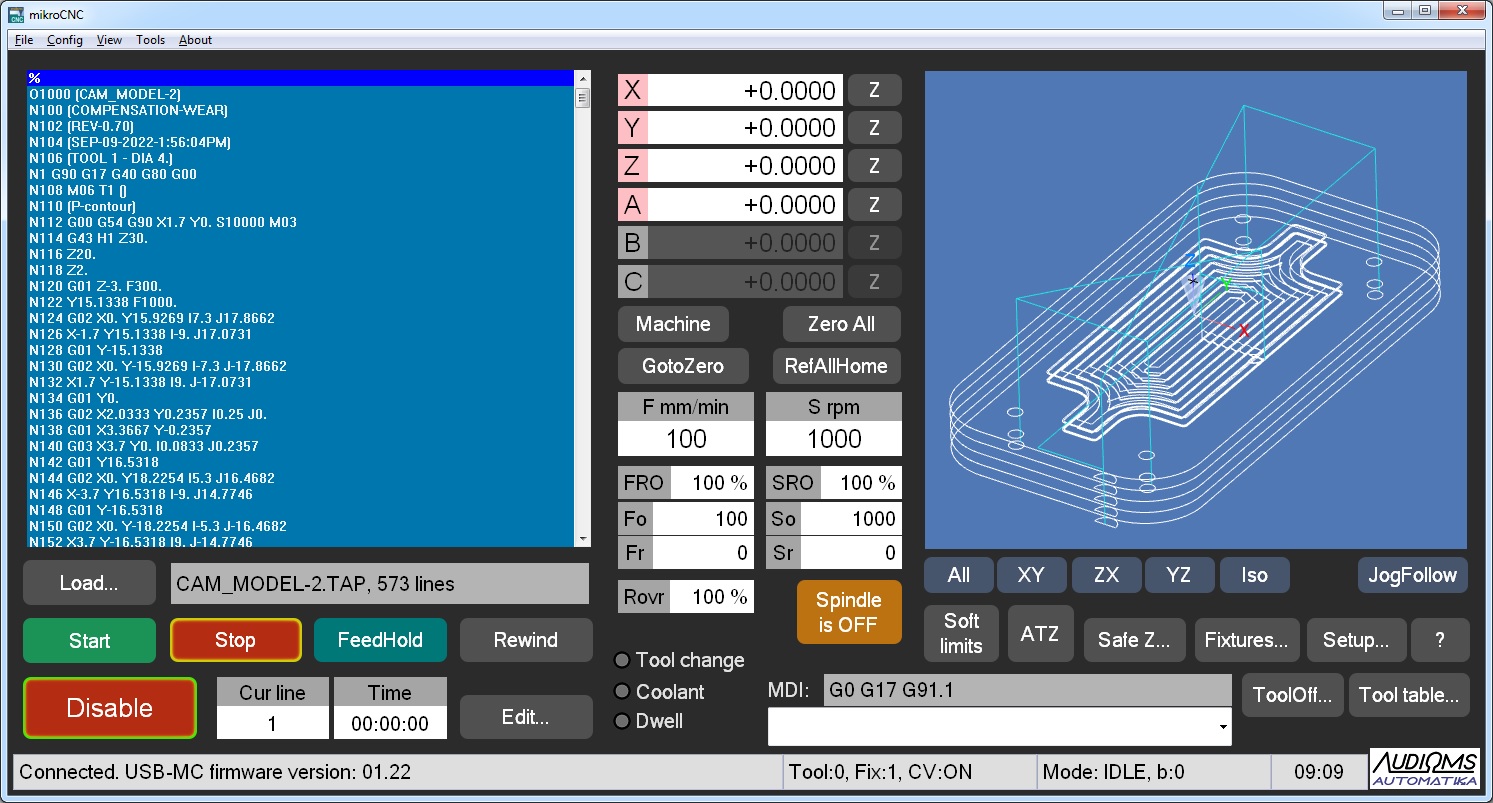
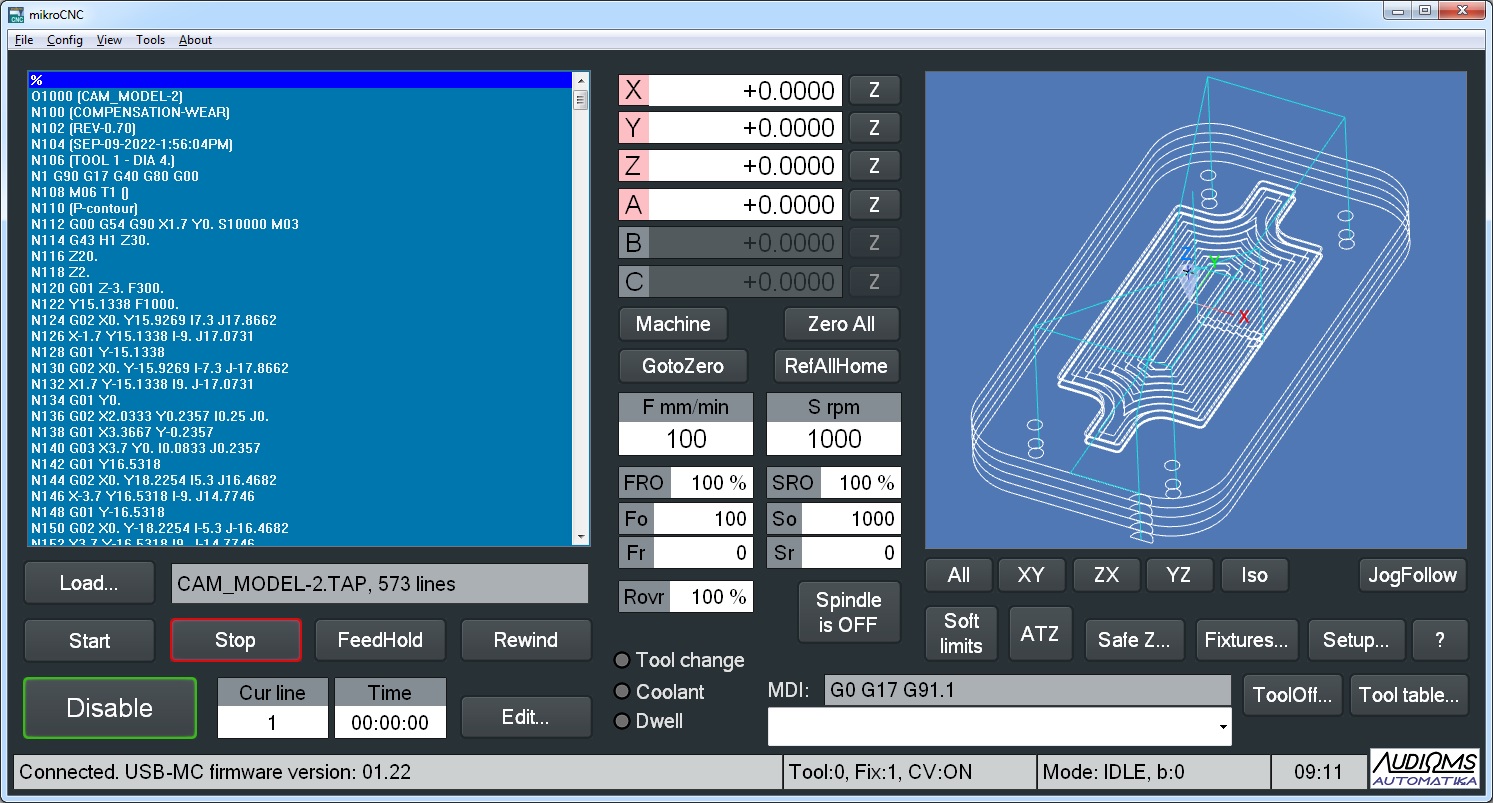
mikroCNC is free software that can interpret standard G and M commands and that turns computer into the CNC control station. It works on Windows XP/Vista/7/8/8.1/10/11 with 32-bit or 64-bit architecture.
The software has built-in motion planner algorithm that supports simultaneous, synchronized motion of up to 6 axis. For acceleration and deceleration it is possible to select either trapezoidal ramp profile or more advanced S-profile that offers significant reduction of inertial forces and vibrations.
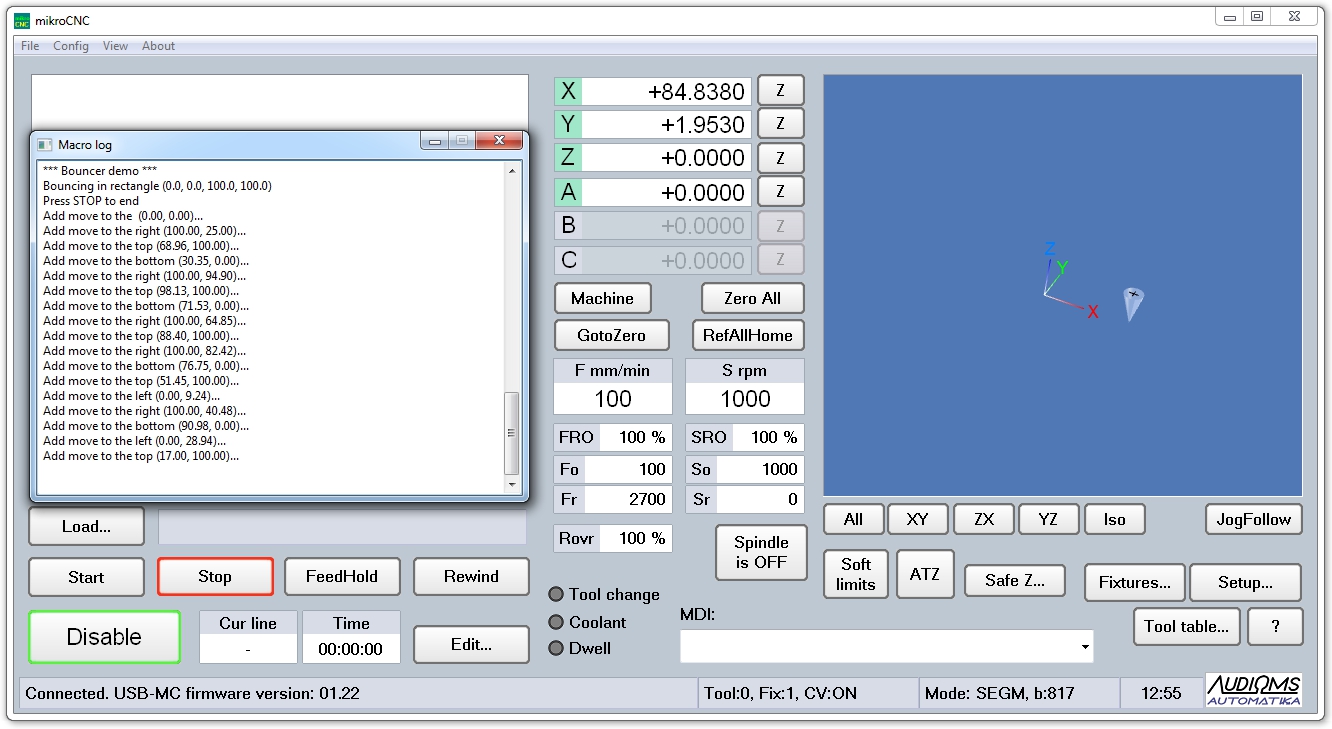
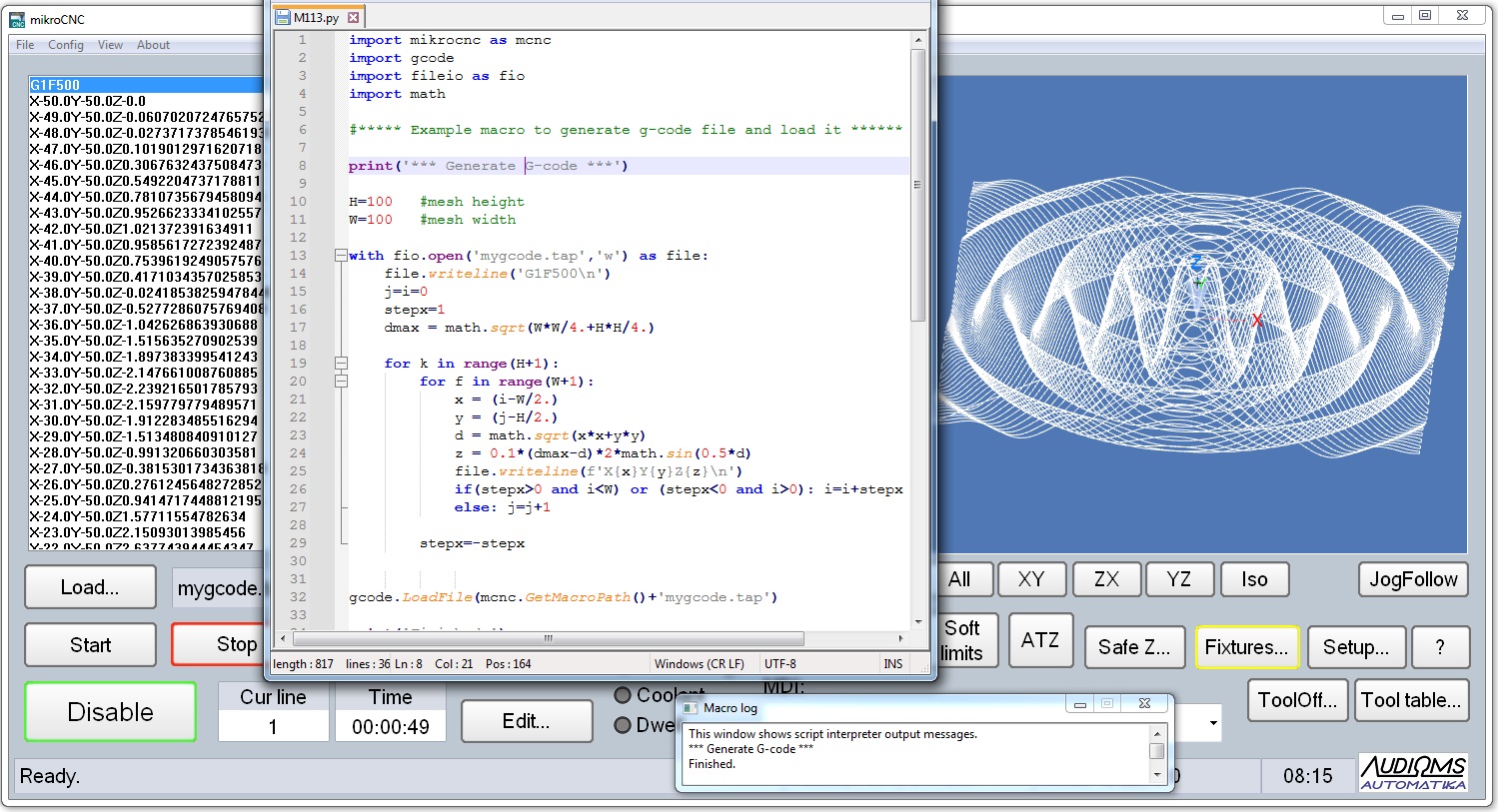
Software mikroCNC brings a built-in Python 3.x script interpreter, which significantly increases the functionality of the software - NEW.
mikroCNC software supports all Audioms Automatika motion controllers:
- ETH-MC High performance motion controller,
- ETH-BOX High performance motion controller,
- ETH-MCI motion controller,
- ETH-COMPACT motion controller,
- ISO-USB-BOX motion controller,
- USB-MC-INT v.3 motion controller and
- USB-MC motion controller.
When working with the software it is important to pay special attention to safety at work. Any problems encountered, bug reports and suggestions can be sent to e-mail address: support@audiohms.com
Image Gallery




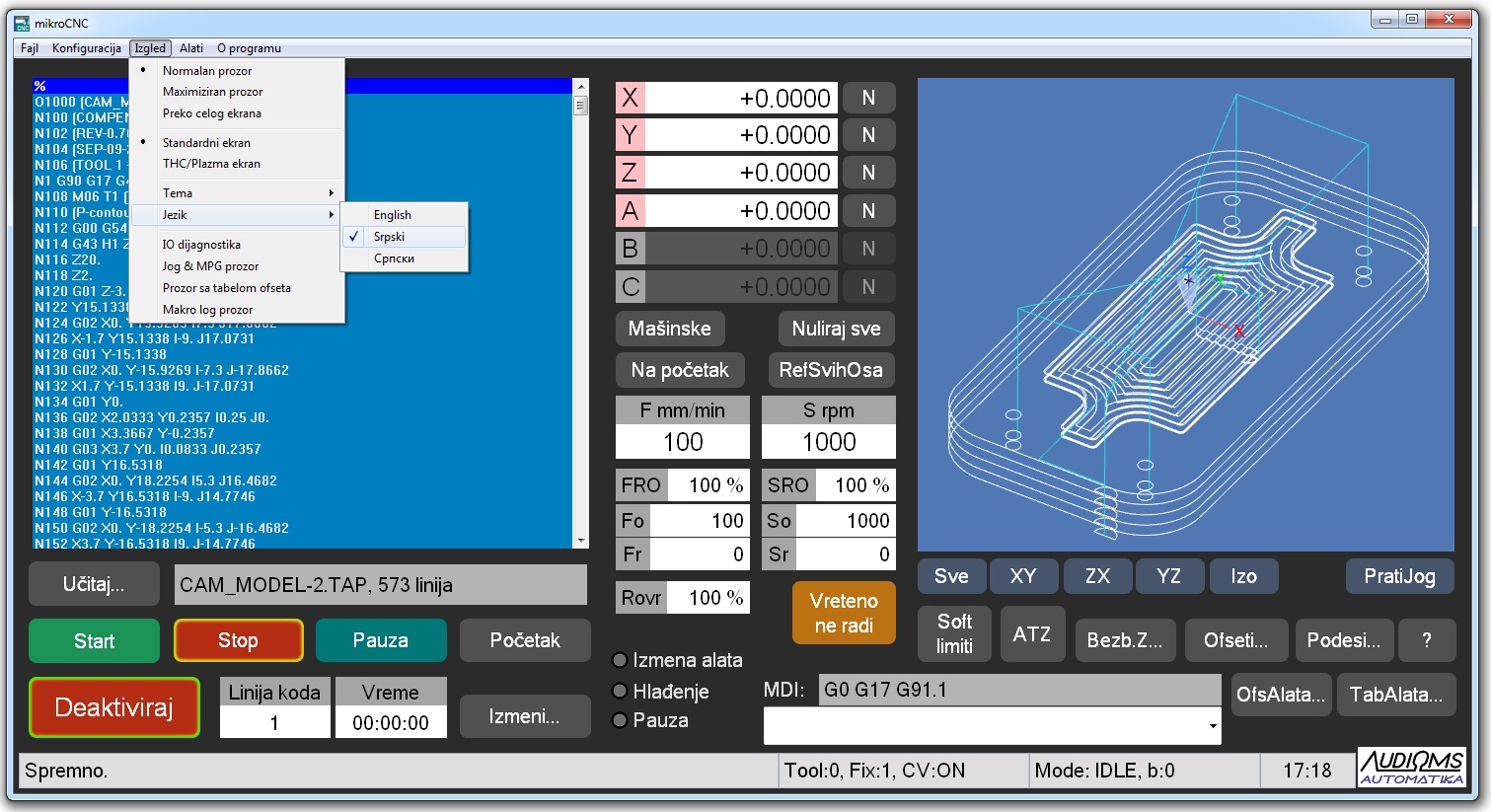
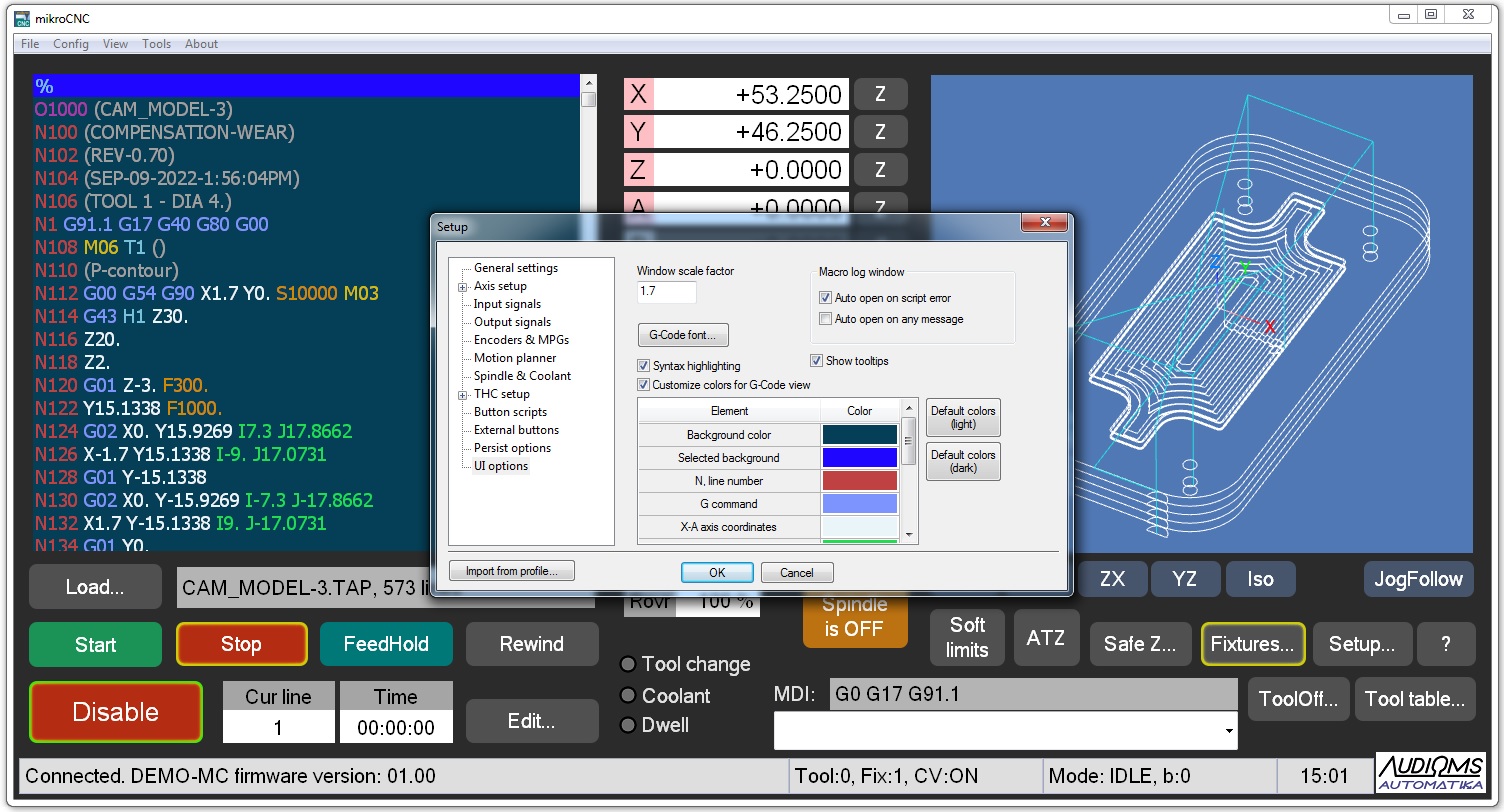
https://www.audiohms.com/en/cnc-electronics-products/software/mikrocnc#sigProId4f0f811082
DOWNLOAD
User's manual
| File name | Description |
 mikroCNC_en.pdf mikroCNC_en.pdf |
mikroCNC user's manual |
| mikroCNC_cn.pdf |
mikroCNC软件手册(中文版) |
| mikroCNC_script_en.pdf |
mikroCNC User scripting support documentation - NEW |
| pkpy_modules.pdf |
An overview of the standard Python modules and associated functions supported by the built-in Python 3.x interpreter |
Download software mikroCNC
The software is available in:
- The installer form is packed in a ZIP archive. After downloading unzip athiva and run the installer. It is recommended to install the software in a folder (for example 'C:\mikrcnc') that does not require administrator rights (as is the case for example with 'Program Files' on newer operating systems) because within this folder all the necessary files for the operation of the program (profiles, user macros, etc.) are created that the user can change and customize.
- In the form of an archived structure. After downloading the ZIP archive, it is necessary to unpack the archive into the previously created folder and extract the icon as a shortcut for the executable file on the computer's desktop.
| Description |
| December 2025 mikroCNC V0.73
- Added scripting function SetRetData() to set extended script result value - The current g-code line number DRO can now be read from a script using GetDRO() function - Added support for reading full 7 encoders/MPGs for ETH-MC(BOX) motion controller - Fixed bug that G43/G49 commands do not work as intended in some g-code program sequence scenarios - Fixed bug with sometimes suggesting a wrong profile and not the last used when starting the program - Fixed bug that after returning from the full screen mode the program menu language may not be preserved and/or further language change does not have any effect - For RunFromHere command added warning message if the current tool is changed during preprocessing of the g-code |
| September 2025 mikroCNC V0.71
- Syntax highlighting for G-code program listing, user defined colors |
| July 2025 mikroCNC V0.67
- Localization, added option to select language for the user interface - Scripting improvements: - Added Error/EStop input in External buttons dialog |
| June 2025 mikroCNC V0.64
- Option to select visual theme for the main screen (three themes are available: light classic, dark and modern industrial) - Firmware update possibility from the mikroCNC software for all Audiohms motion controllers - Adjusting the colors for the g-code view panel - Option for selective import of settings from the other profiles |
| May 2025 mikroCNC V0.58
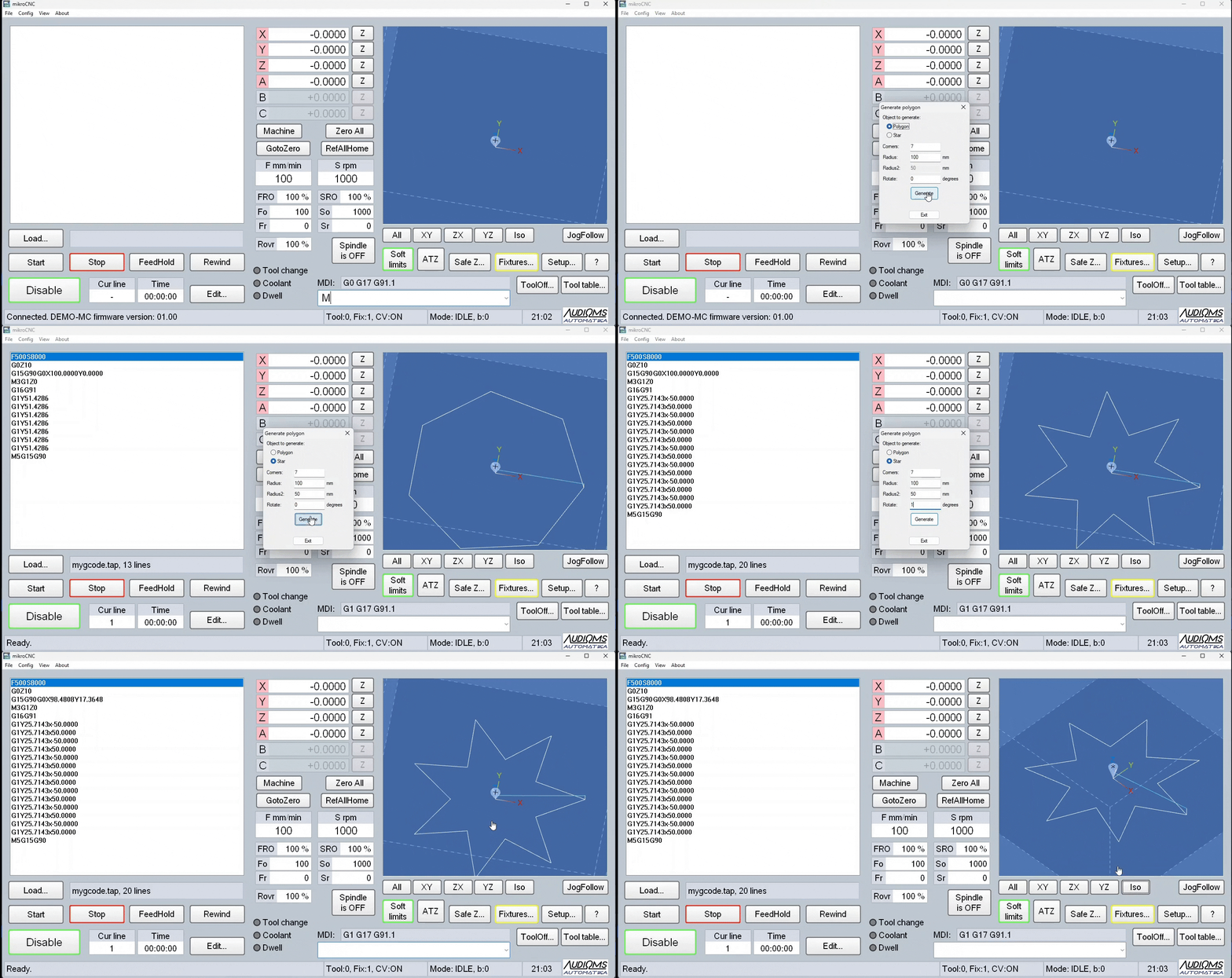
- Added 'gui' module that enables creating user interface in the form of dialog box from the scripts |
| April 2025 mikroCNC V0.56
- Added function GetKeyState() for reading the keyboard |
|
February 2025
- Unified support for all Audioms motion controllers within a single program version |
ARCHIVE - Download software mikroCNC for ETH-MCI motion controller
| File name | Description |
 mikrocnc50_ethmci.zip mikrocnc50_ethmci.zip |
January 2025 |
| mikrocnc46_ethmci.zip |
December 2024 |
| mikrocnc41_ethmci.zip |
October 2024 - Improved appearance of the user interface on newer operating systems (Windows 10/11) - FRO (feedrate override) and Rovr (rapid override) can now be changed during execution of a G-code program - Added support for backlash compensation - New option to setup motion buffer size - New option to treat Probe as limit when not in probing move - DRO fields (FRO,SRO,Rovr) can now also be changed using keyboard arrow keys Up/Down when field has focus. Home key resets value to default. - Commands for fast port control (M10, M11) are permuted so that now M10 is used to turn OFF the output and M11 to turn it ON |
| mikrocnc38_ethmci.zip |
August 2023 Initial version of mikroCNC software that support ETH-MCI motion controller |
ARCHIVE - Download software mikroCNC for USB motion controllers
| File name | Description |
| mikrocnc50.zip |
January 2025 mikroCNC V0.50 - Added support for canned cycles for drilling and boring: G73, G81, G82, G83, G85, G86, G88, G89 - Added support for tool radius compensation (G40, G41, G42) - Added specification of tool diameter in the tool table - Added support for polar coordinates G15/G16 - Added new window (Tool offsets) tha is used for easier tool offsets adjustment - Added option in menu file/new and the ability for Edit button to create a new file - Fixed the error that .cfg files were not deleted when a profile is deleted - For scripting added functions File.flush(), mikrocnc.GetMacroPath(), quit() builtin - Fixed the slowdown problem in the LinearMove() function that was appearing when using slave axis A - G-code program with subroutines is now fully preprocessed on load so that the complete tool path is now displayed - Rapid override also affects Jog movements - Fixed the error with arcs in ijk mode that was occurring when slave axes are used - SoftLimits state is now remembered and preserved after restarting the program |
| mikroCNC_v0.46b.zip |
December 2024 mikroCNC V0.46b - Added scripting support - Integrated lightweight Python 3.x interpreter for user scripts, it can execute M macros called from MDI line or from G-code - For each profile there is a separate folder for macro scripts (it is created automatically including default scripts) - Scripts can call and make use of many functions from mikroCNC application - Macro output window to view scripts output, can be opened via menu/view or automatically if it is configured that way in the setup - It is possible to assign user scripts for a number of functions/button (ATZ, ATC, RefAllHome...) - BackgroundTask script that can run continuously in the background - Added G10 L2 command for setting up work offsets from g-code - Added support for reading and writing work offsets via # variables from g-code #5221=(G54 X), #5222=(G54 Y)... - Added INPUT1-10, general purpose input signals - Added OUTPUT1-10, general purpose output signals - Added support for incremental encoders reading - Fixed bug that after machine referencing further operations are denied until STOP is clicked - Tool and offsets tables (tooltable.cfg and fixtures.cfg) are now saved in folder /macros/profile_name so that they are specific for each profile |
| mikroCNC_v0.41.zip |
October 2024 - FRO (Feedrate override) and Rovr (Rapid override) can now be changed during executon of a G-code program - New option to setup motion buffer size - New option to treat Probe as limit when not in probing move - DRO fields (FRO,SRO,Rovr) can now also be changed using keyboard arrow keys Up/Down when field has focus. Home key resets value to default. - Commands for fast port control (M10, M11) are permuted so now M10 is used to turn OFF the output and M11 to turn it ON |
| mikroCNC_v0.39.zip |
February 2024 Improved display of the user interface on newer operating systems (Windows 10/11) |
| mikroCNC_v0.38.zip |
August 2023 Added option to reduce maximum frequency of the step pulses to 125 kHz |
| mikroCNC_v0.37.zip |
July 2023 Contains small bug fixes and other minor improvements since the previous release |
| mikroCNC_v0.35.zip |
February 2023 - Added AutoToolZero function - Small bug fixes and other minor improvements |
| mikroCNC_v0.32.zip |
November 2021 mikroCNC software |
Video Tutorials